



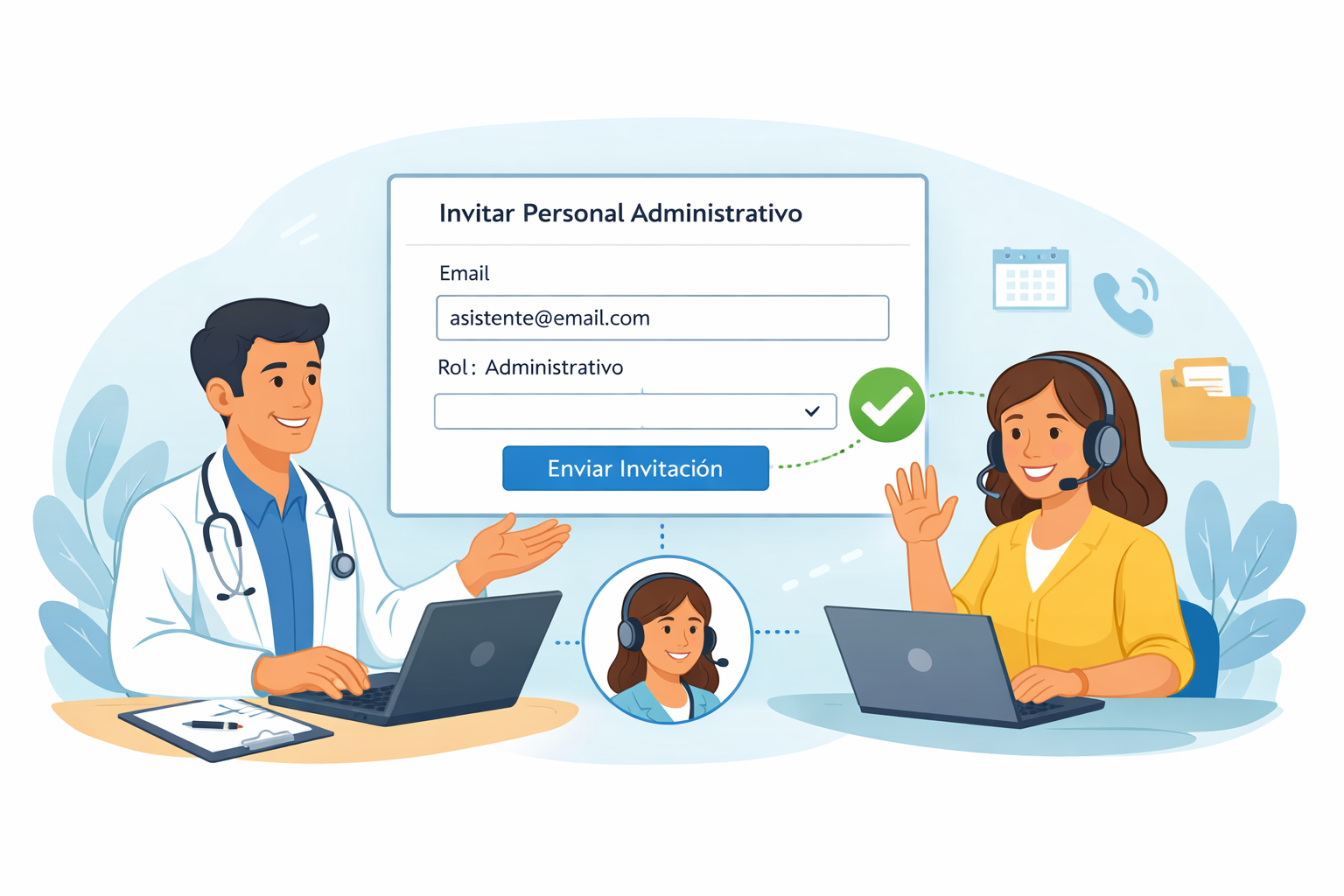
In many practices, the physician ends up doing administrative tasks: managing scheduling, confirming appointments or sending out forms. You do this personally, to avoid exposing sensitive clinical information.
With Itaca, this is no longer necessary. You can invite administrative staff with limited and secure access.
✅ What can administrative personnel do?
You can add administrative staff for:
- Patient management
- Organize the agenda
- Contact patients
- Send admission forms (coming soon)
They do not have access to clinical notes or medical information. Only to operational functions.
🔐 Limited access for administrative personnel
Administrative staff cannot:
- View or edit clinical notes
- Start visits
- Access medical data
You maintain full control.
🚀 Getting started
Enter Team, select Invite administrative personnel and send the invitation.
Includes 7 days free of charge. After that, it requires you to have a Professional plan to maintain access for administrative staff.


Leave a Reply