



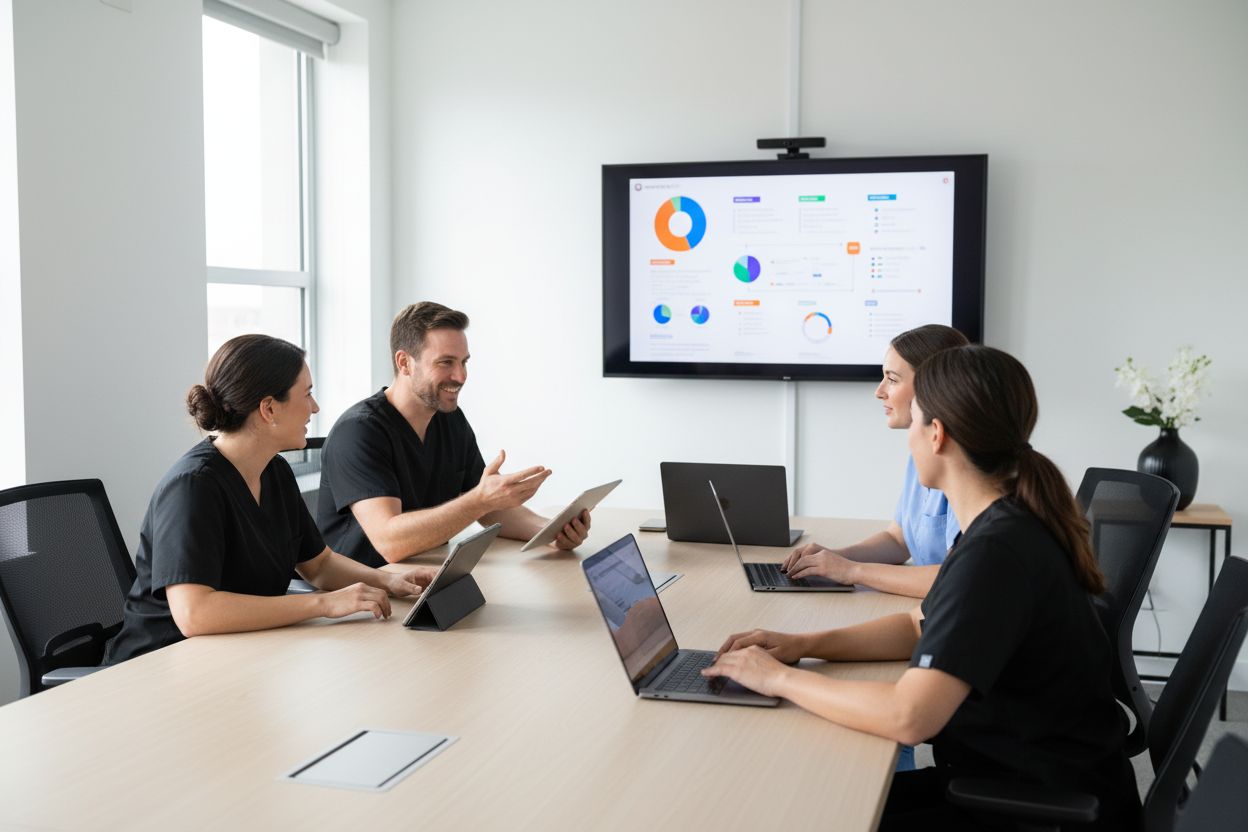
Choose medical software for clinics It should not start with a function table. The important question is whether the system helps scheduling, patients, care, documentation, and follow-up move forward within the same workflow.
A platform can manage appointments, send reminders, and display patient profiles. But if clinical information is documented late, is scattered, or changes format with each professional, the clinic still relies on fragmented messages and individual memory.
This guide explains what to review when choosing clinic software, what differentiates an administrative tool from a clinical platform, and how to evaluate continuity, security, and professional liability before implementing a new system.
Start with the problem, not the feature list.
Clinics rarely have a single problem. They may need to reduce absences, coordinate schedules, centralize patient data, improve note closure, sort pending tasks, or provide visibility to management.
Before requesting demonstrations, define which part of the flow needs improvement.
Agenda and reception
The agenda helps organize appointments, confirmations, and availability. The front desk needs to know who is arriving, the reason for their visit, and what information should be ready before their appointment.
Attention and documentation
The professional needs to concentrate on the patient. If the note is drafted at the end of the day, it increases the administrative burden and context is lost. Clinical software should help turn care into a reviewable draft without treating AI as a substitute for medical judgment.
Follow-up and continuity
After the consultation, the team needs to understand what was decided, what remains pending, and what needs to happen at the next visit. This is especially important when the attending physician changes, shift work is involved, or there are multiple locations.
Government and Security
Administration and management need visibility into usage, access, and adoption. However, this visibility should not equate to indiscriminate access to clinical details.
A good purchasing process begins when the clinic can say: “this is the point in the process that we are going to improve, and this is how we will know if it worked.”.
Agendas and patients are not enough if the documentation remains isolated.
The agenda coordinates the visit. The clinical documentation allows care to continue.
When both elements work separately, the patient can arrive on time, but the professional starts without context and ends the consultation with a pending note. The next team member must retrace steps, review messages, or ask someone else what happened.
When evaluating medical software, confirm if the system helps the patient arrive with relevant information organized and that, after their appointment, the documentation is available for the next step in the workflow.
Ask if you allow:
- associate attention with patient context and relevant documents;
- prepare documentation during or immediately after the consultation;
- Review, correct, and sign before closing a note.;
- keep pending items and instructions visible for tracking;
- Maintain continuity when another professional is involved;
- separate clinical information from operational data reception needs.
The page Software for clinics in Itaca This approach means shared documentation is created as the team works, not as a separate task at the end of the day.
Shared Clinical Documentation: The Differential Criterion
Shared documentation doesn't mean everyone sees everything. It means each team member accesses the context they need to do their job, with the right controls.
In a clinic, it is advisable to distinguish between:
- the patient's clinical context;
- drafts that still require revision;
- approved and signed notes;
- documents to be submitted or completed;
- follow-up pending;
- Operational information for the schedule and reception;
- activity and use that management should review.
When those pieces are organized within the same flow, the clinic can reduce interruptions between professionals without giving clinical access to those who don't require it.
Itaca helps turn queries, video calls, documents, and quick notes into AI clinical note drafts. The professional reviews, edits, approves, and signs; the team maintains the necessary continuity to continue providing service.
How to evaluate clinical documentation with AI
AI can help prepare documentation, but it should not hide the steps that matter: review, approval, signature, and traceability.
During a demo, don't just ask them to generate a note. Ask them to show you the entire process.
- Where does the tool get its attention context from?
- What happens when data is missing, ambiguous, or requires confirmation?
- How is a draft different from a final note?
- What can the professional correct before approving?
- Who can sign, and what gets registered?
- How is a post-correction documented?
- What information can another professional see in the following visit?
A responsible solution prepares a revisable draft. It does not replace the professional's evaluation, judgment, or signature.
Templates and formats the clinic already uses
Each clinic documents differently. A first consultation, pediatric care, a gynecology and obstetrics visit, or surgical follow-up require different emphases.
The software must allow working with clinical note templates without forcing the team to turn their practice into a collection of prompts. When the clinic already uses its own form or note, it needs a clear way to retain that structure.
With Itaca, the team can upload an example of the format they already use to convert it into a reusable template. This allows for maintaining a common base among professionals and continuing to adjust each note to the actual care provided.
When reviewing this capability, ask:
- if the templates are still editable;
- Who can create or update a structure?;
- How are changes between locations or specialties managed?;
- if the templates are applied to care without making documentation rigid;
- if the team can review the result before signing it.
Documentation guidelines for teams
Templates organize the structure. Rules help the team document with shared criteria.
For instance, they can help conserve the level of certainty expressed during the consultation, keep missing data visible, or leave pending items clearly identified for the next appointment. They do not substitute clinical decisions nor turn incomplete information into a conclusion.
The Clinical note rules they allow a clinic to reduce unnecessary variations between professionals, shifts, and locations, while maintaining professional review as the final step.
Security, HIPAA, and Data Ownership
Security must be part of the assessment before the clinic begins processing patient information.
It's not enough to ask if a vendor “is secure.” It's wise to review how they handle access, encryption, data ownership, and team activity.
Include these questions in your process:
- Is the information encrypted in transit and at rest?
- Are there access roles that reflect actual responsibilities?
- What can an administrator see, and what is limited to the clinical team?
- Who owns the clinical data?
- Are patient data used to train models?
- Is clinical data sold or provided to third parties for commercial purposes?
- Does the provider work with BAA agreements with their cloud providers when applicable?
- How is audio retention, access, and deletion handled?
Itaca follows applicable HIPAA requirements for its operations, works with cloud providers under BAA agreements, and encrypts data in transit and at rest. Clinical information belongs to the user and their organization. Patient data is not used to train models, nor is it sold or given to third parties for commercial purposes.
The page security and privacy Gather the relevant product information for this evaluation.
Roles for doctors, reception, administration, and management
Clinic software must recognize that not everyone works with the same layer of information.
Reception may need a schedule, contact information, and operational steps. The doctor needs clinical context, drafts, and notes. Administration must understand what is pending and how the process is adopted. Management needs visibility into activity and continuity to improve operations.
The key is that each role has access to what they need, not the entire file. When comparing software, ask for a demonstration with at least three different profiles. Observe what each person can do, what is recorded, and what controls the organization can adjust.
Continuity between shifts, locations, and professional changes
Clinical information should not be reset when the shift or treating professional changes.
For a clinic, continuity means that the next care begins with the reason for consultation, history, reviewed notes, documents, and relevant pending items already organized. It does not depend on someone remembering a previous conversation or finding an isolated message.
Evaluate whether the system facilitates:
- continuity between headquarters;
- the transfer between professionals;
- pending tracking;
- the traceability of who reviewed each document;
- collaboration without sharing more clinical information than necessary.
This criterion often reveals the difference between a tool that only manages appointments and a platform that helps the clinic work with a shared clinical record.
What to ask for during a medical software demonstration
A good demo should feel like a real clinic day. Use a fictional case and ask to see the end-to-end workflow.
- A patient schedules and attends the appointment.
- Reception organizes the information they need before attending to you.
- The professional reviews the context and makes the inquiry.
- The tool prepares a clinical draft that the professional can correct.
- The note is approved and signed.
- There's a pending item for further attention or for another team member.
- An administrator reviews usage and activity without accessing information they are not authorized to.
The demonstration should include a difficult question: “what happens if the data is incomplete or the professional needs to correct the note later?”. The answer shows whether the system is designed for clinical reality or just for a commercial presentation.
Red flags when choosing clinic software
Be careful with platforms that:
- promise to automate clinical decision-making;
- treat AI-generated text as a final note;
- They don't show how to sign or correct a note;
- depend on copying and pasting information between multiple tools;
- they don't explain what happens with patient data;
- They do not allow defining roles and permissions.;
- they do not maintain continuity between professionals, shifts, or locations;
- They present prices or feature lists without explaining security, access, and responsibilities.
Where does Itaca fit in
Itaca is an AI-powered clinical documentation platform for medical professionals and teams. For a clinic, the value isn't just generating notes faster. The value is that each patient encounter feeds a shared workflow: context, drafts, review, signing, and follow-up are all connected so the team works with the right information at the right time.
Frequently Asked Questions about Medical Software for Clinics
What should medical software for clinics have?
You must help coordinate schedules, patients, clinical documentation, follow-up, roles, permissions, security, and administrative visibility without fragmenting the team's workflow.
What is the difference between administrative software and clinical software?
Administrative software organizes appointments, payments, communication, and operations. Clinical software should help document, review, sign, and maintain continuity in the patient record.
Why does shared documentation matter in a clinic?
Because several people can participate in care. Clinical information must be organized and available according to each person's role so that the next consultation doesn't start from scratch.
Does Itaca replace medical judgment?
No. Itaca prepares drafts and organizes documentation. The professional reviews, corrects, approves, and signs with clinical responsibility.
Does Itaca use clinical data to train models?
No. Clinical data belongs to the user and their organization; it is not used to train models or sold or provided to third parties for commercial purposes.
How can a clinic evaluate software before implementing it?
You must test a realistic workflow with a fictional case, review the clinical draft, check signatures and corrections, validate roles and permissions, and observe how continuity is maintained when the professional, shift, or location changes.

Leave a Reply